
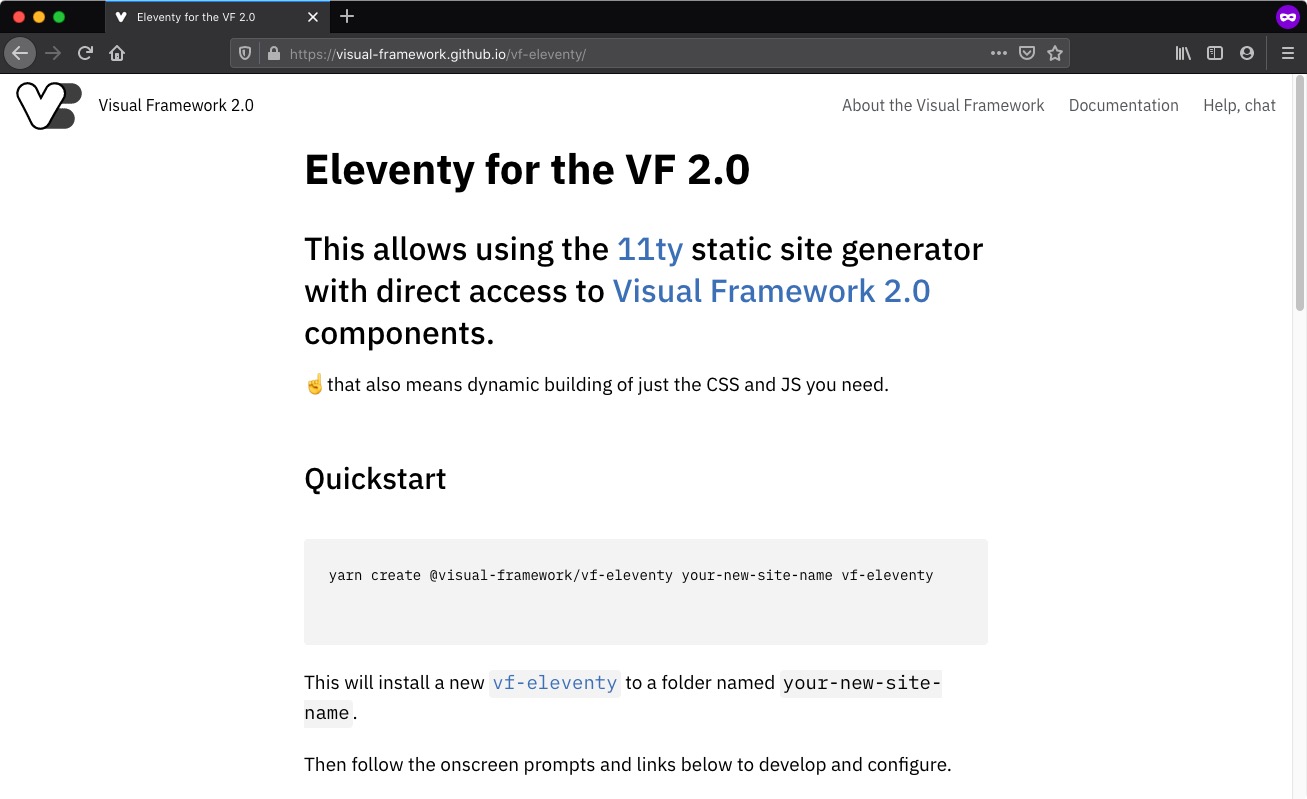
This incorporates the 11ty static site generator with direct access to Visual Framework 2.0 components.
There are two methods you can use:
- Use the interactive yarn template [RECOMMENDED]
- If you don't have npm, install it
- The
create-vf-projectallows you to interactively create a new site by typing
yarn create @visual-framework/vf-project your-new-site-name - Follow the prompts
- The GitHub template
- Click the "Use this template" method; quick url: https://github.com/visual-framework/vf-eleventy/generate
- Follow the prompts and then clone the new project to your local machine
- In
package.jsonupdatevfConfig - In
eleventy.jsupdatepathPrefix - Update
./src/site/_data/siteConfig.js - If you need any ad hoc CSS and JS, add it in
./src/components/vf-local-overrides
Otherwise configure gulp and eleventy as you would for any other project.
- You'll need to install npm
- If you don't have
yarn, install it - Install all the things
yarn install
- Generate the site in
/buildgulp devrenders and servesgulp buildbuild static assets
To add a component, use the command line or install it manually.
- installation:
yarn add @visual-framework/vf-logo - updating components:
yarn upgrade-interactive --latest- alias:
yarn run update-components
- alias:
- Download a pattern
- Copy it to
./src/components/vf-component-name
You can add a custom VF-compatible component to ./src/components and use it in
your site.
gulp vf-component
You'll find a vf-sample component already placed in ./src/components
- Why
yarnand notnpm? For the particular structure of the Visual Framework components, Yarn is considerably faster at installing and does so more efficiently (about half the total file size). You'll also be able to useyarn upgrade-interactive --latest, which makes it easier to update VF components.