Generates a word cloud wallpaper from user text files
- Detects your screen resolution
- Detects your Linux distribution and can use a default provided logo if available
- Use your own color(s) for foreground and background
- Use your own mask file (advanced)
- Use a background image to superimpose the word cloud onto
- Reads from history and init files for different shells out of the box
- Reads commit messages from git repos out of the box
- Use your own text files
-
Get the latest release and extract the archive to your desired installation location. The
logodirectory must be kept in the same directory as thewordwallscript.OR
Clone this repository.
-
Install required and desired optional dependencies
Run the provided
setupscript, or refer to the list of dependencies below. By default, it will install the dependencies to your user home directory. You may install these modules systemwide by giving the--systemflag to thesetupscript. If you want to install the modules with your distro's package manager, do not use thesetupscript. -
Run the
wordwallscript, with your desired output filename as the argument:$ ./wordwall wallpaper.png
-
Run
wordwall --helpfor advanced usage and customization options. See examples below for details.
- distro - for detecting your Linux distribution to select a default logo
- xlib - for detecting your screen resolution to select a default width and height
- GitPython - for reading git logs
$ ./wordwall wallpaper.png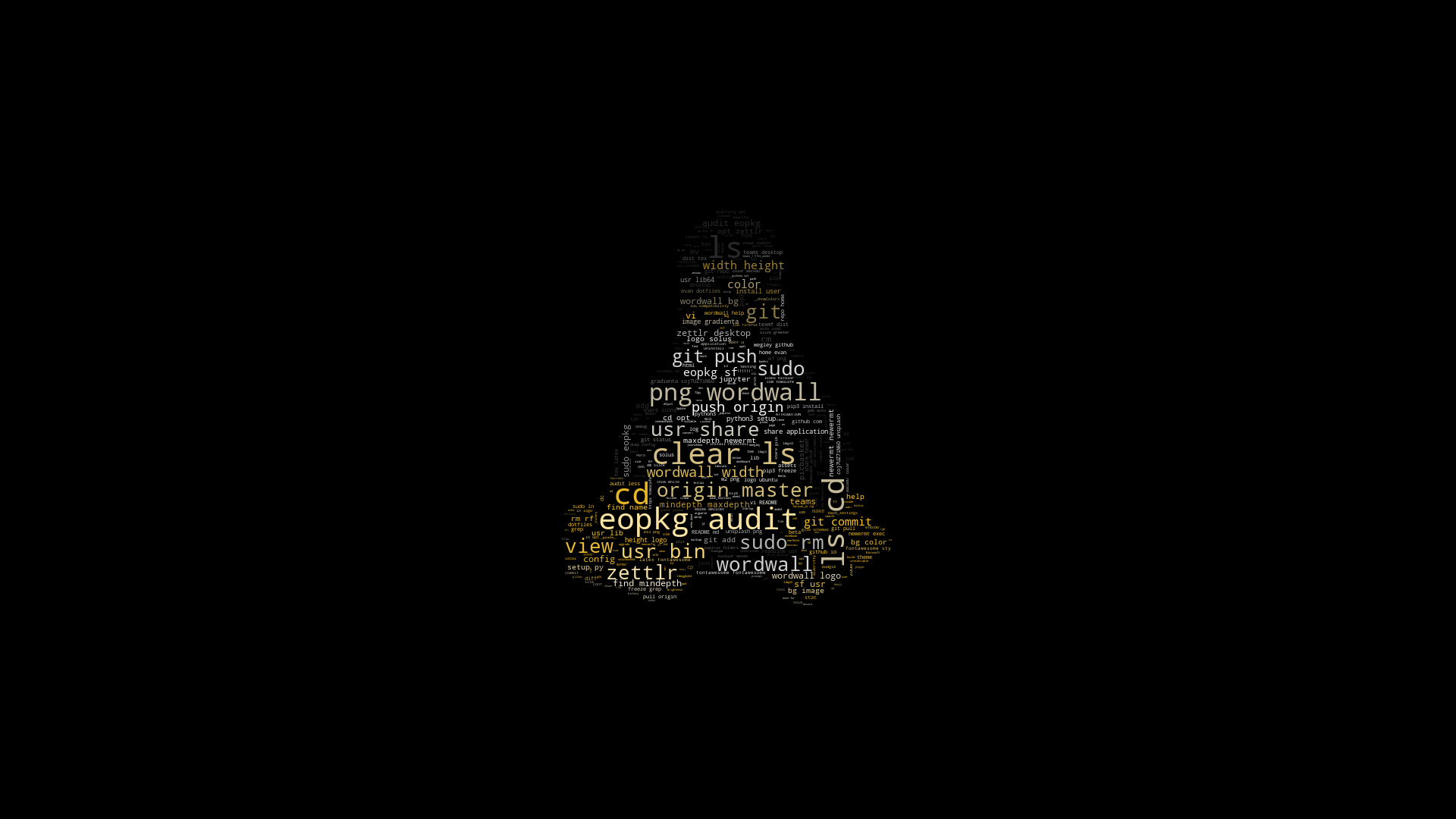
$ ./wordwall --logo=solus --color='#8fbcbb' --color='#88c0d0' --color='#81a1c1' --bg-color='#3b4252' wallpaper.png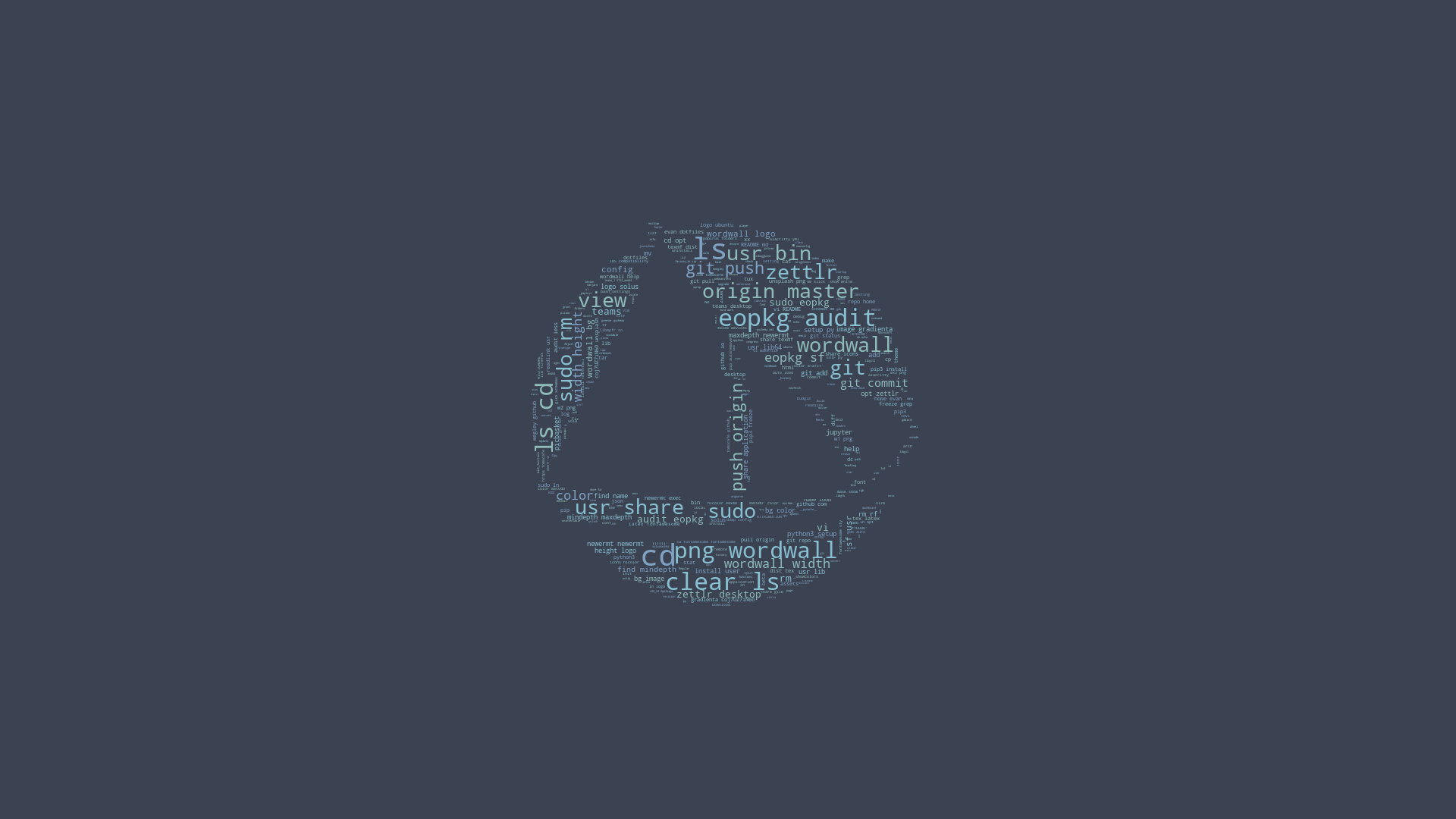
$ ./wordwall --logo=arch --color='#268bd2' --bg-color='#eee8d5' --git-repo=~/dotfiles wallpaper.png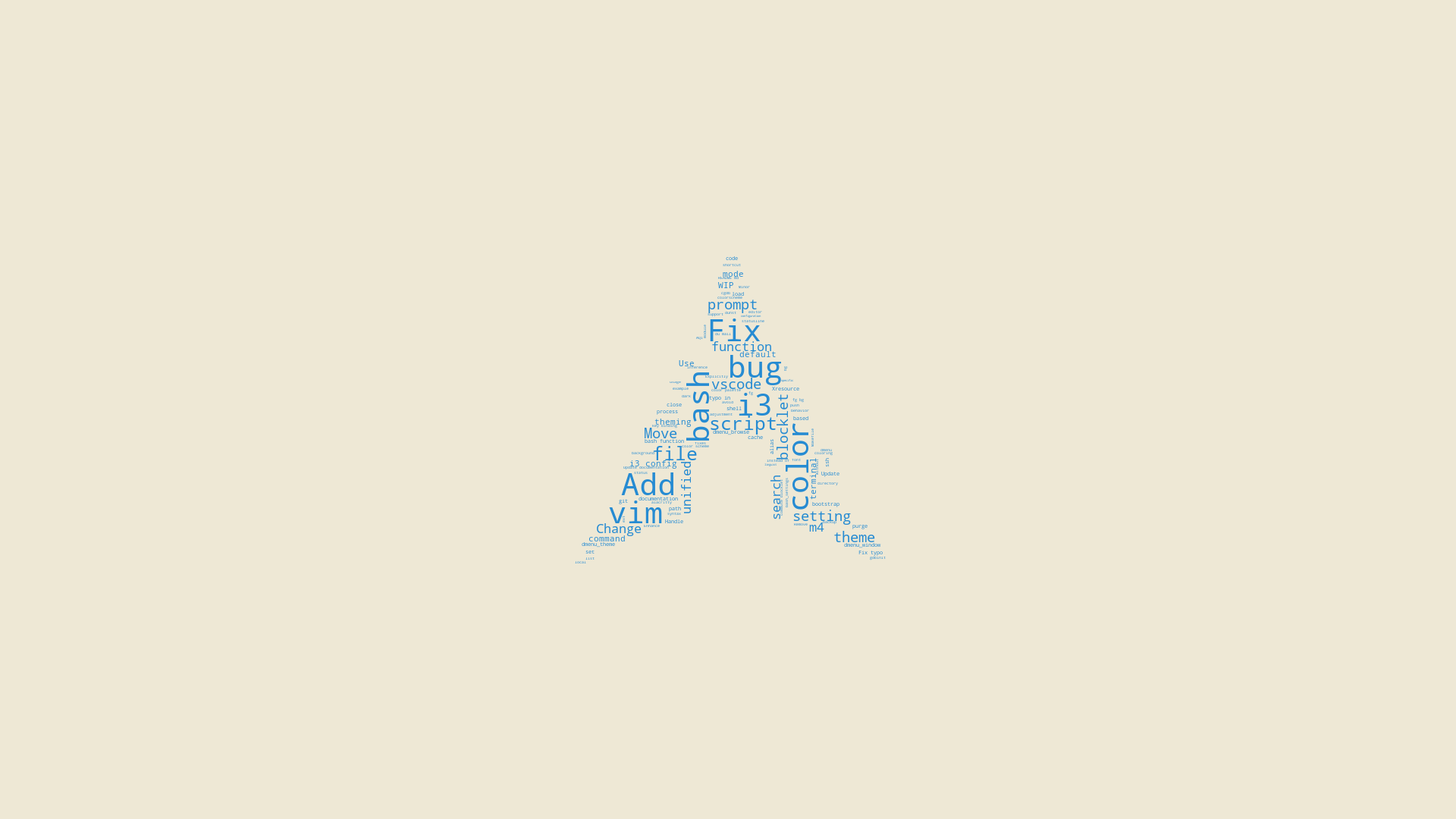
$ ./wordwall --logo=manjaro --color='#ffffff' --bg-image='gradienta-coj7UZ7iN60-unsplash.png' wallpaper.png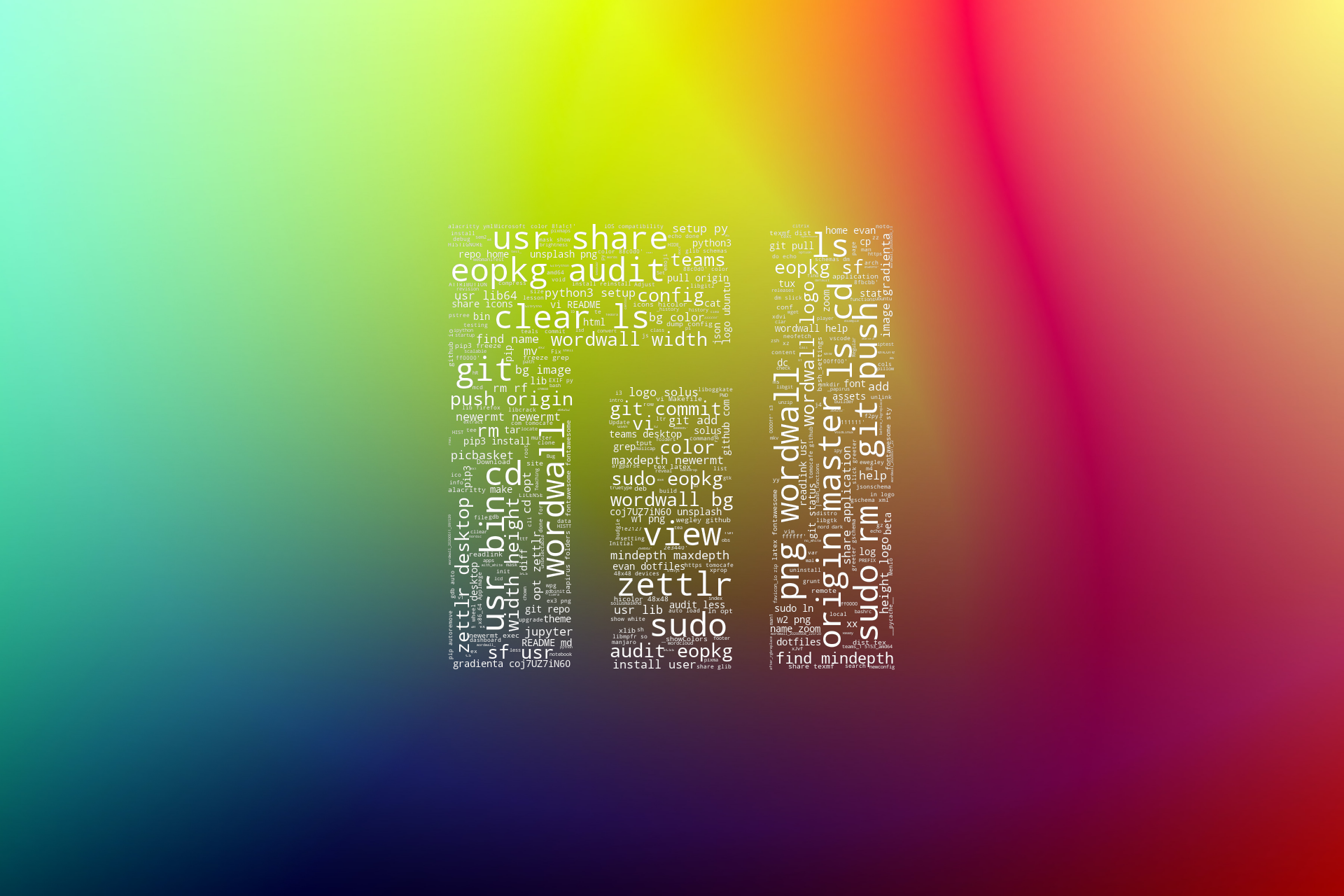
Image credit: Gradienta on Unsplash
Pull requests to contribute logos are welcomed in order to provide a better out-of-the-box experience.
The logo mask file should be:
- square
- at least 120px, but no more than 480px
- in PNG format
- with transparent background
- named with lowercase alphanumeric characters only
- match the Distro ID of the
distromodule (if the logo is for a distro)
Please also note any applicable trademarks (or similar) in the logo/ATTRIBUTION file, in alphabetical order.
Note: by default, pure white pixels (#ffffff) are masked out. This behavior can be overridden with the --mask-show-white flag. Transparent pixels (alpha 255) are always masked out.
All content outside of the logo directory is licensed according to the LICENSE file in this repository.
Please refer to the ATTRIBUTION file inside the logo directory for image attribution.