Editor
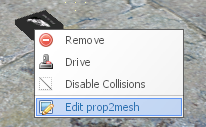
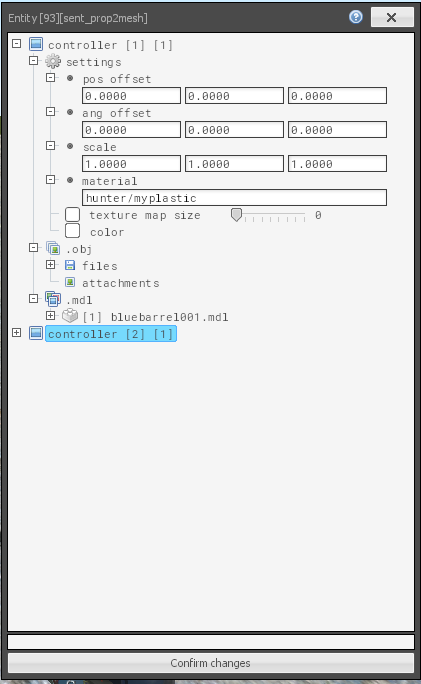
The editor is a powerful tool that allows full access and control over the prop2mesh entity, controllers, and all contained model data. It can be opened via the context menu (hold C, right click on the entity).
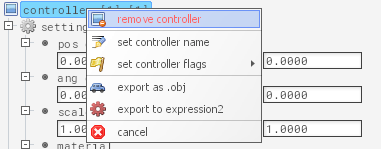
If you want to remove a part from the mesh data, you can do so by right clicking it in the list.
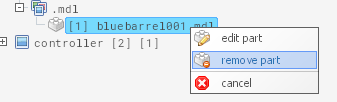
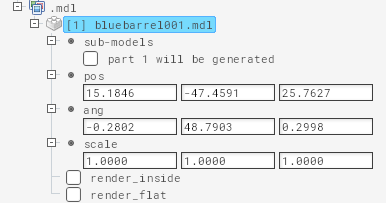
If you instead click edit, you can change various properties of the part.
You can read about importing obj files here
All unconfirmed but valid changes will alter the text color of the related field, for text entry boxes you must press the enter key after editing. Changes must be confirmed and uploaded via the button at the bottom.