NPC Signs
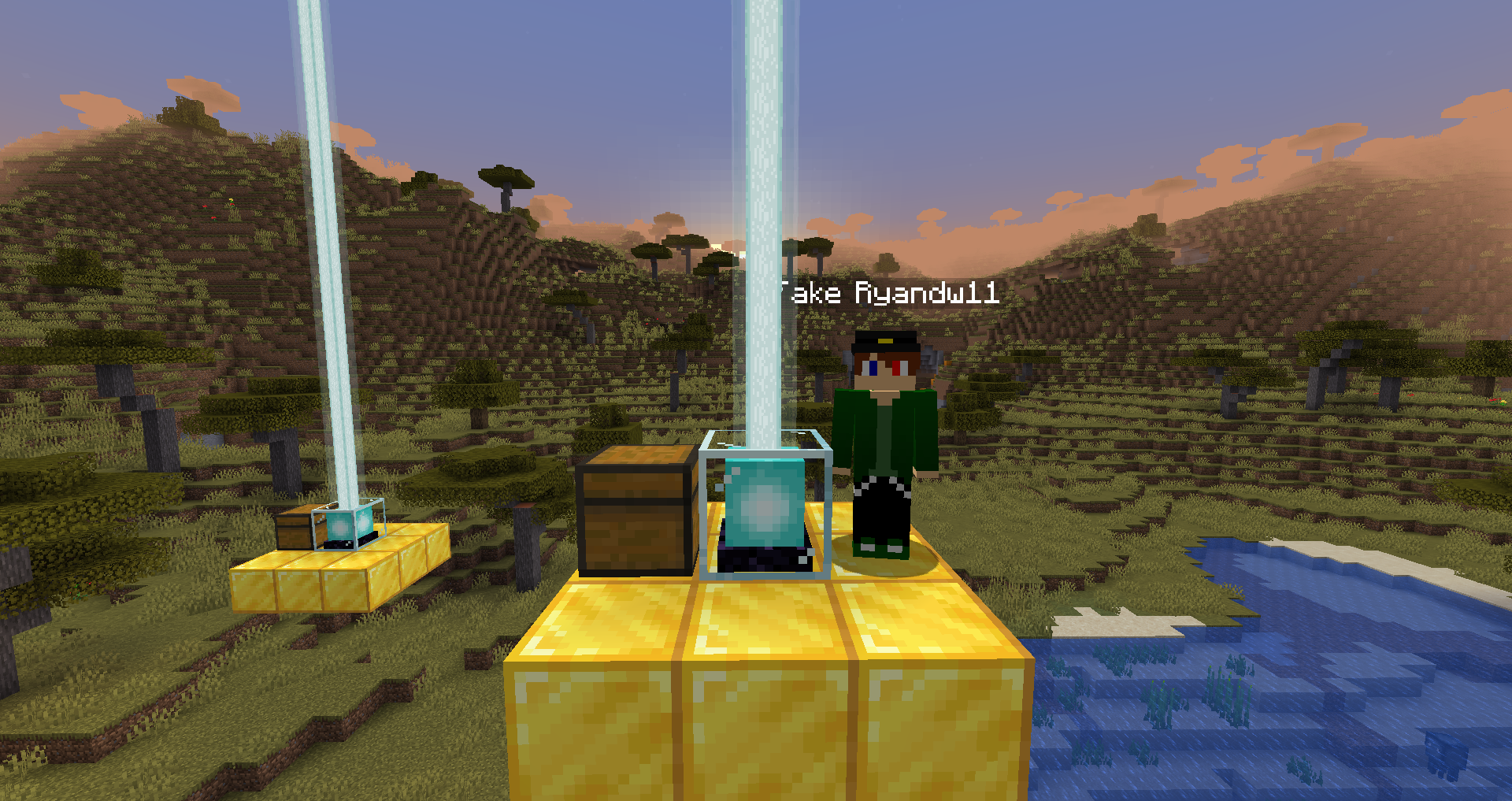
You can spawn in custom NPCs using the Citizens 2 plugin.
Custom NPCs are configured from the npcs.yml configuration file in the CustomStructures folder.
Here is an example NPC that you can create:
ExampleNPC:
  entityType: 'PLAYER'
  skinUrl: "https://img.ryandw11.com/raw/wsaz492rc.png"
  name: "Fake Ryandw11"
  commandsOnCreate:
    - "npc select <npcid>"
    - "npc command add \"npc speak I'm feeling blue today! --target <p> --id <npcid>\""
  commandsOnClick: []
  looksAtPlayer: true
  movesAround: false
  isProtected: true
ExampleNPC -> This is the name that you will use to spawn the NPC in the structure.
entityType -> The entity type that the NPC should be.
skinUrl -> The URL that links to the skin that you want to use.
name -> The name of the NPC that will appear in-game.
commandsOnCreate -> Commands that should be executed upon creation. (Placeholders: <npcid> - the id of the npc).
commandsOnClick -> Commadns that should be executed when the npc is clicked.
looksAtPlayer -> If the NPC should look at the player.
movesAround -> If the NPC should move around.
isProtected -> If the NPC is protected (if the NPC can be damaged / killed).
You can spawn in an NPC by using a NPC sign.
Create a sign that has [NPC] on the first line and the name of the NPC on the second line.
[NPC]
<NPC_Name>
Example:
[NPC]
ExampleNPC
You can test if the NPC is correct by using /cstruct test <struct>.