


Internal boilerplate for creating GFEBs DL launcher packages.
Explore the docs »
View Demo
·
Report Bug
·
Request Feature
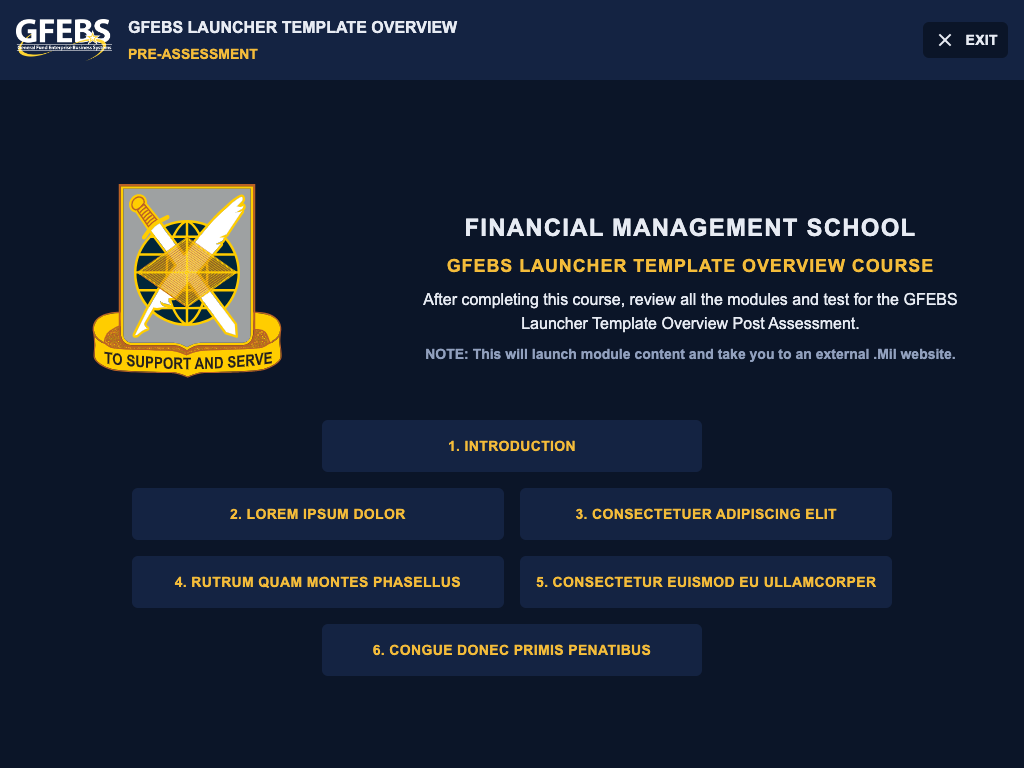


To create a new GFEBS DL Product, install template-training-content with Github CLI
gh repo create [COURSE_CODE]-launcher --template="aretum-eagleharbor-gfebs/template-launcher"

cd [COURSE_CODE]-launcher

npm i -DTo contribute and make edits to template-training-content, clone the project
git clone https://github.com/aretum-eagleharbor-gfebs/template-launcher.gitGo to the project directory
cd template-launcherInstall dependencies
npm installCompile and Hot-Reload for Development
npm run devCompile and Minify for Production
npm run buildTo run tests, run the following command
npm run test