

Example of using D3.js for transformations between table and cards views, and animated transitions while sorting elements or resizing the browser.
Check out the demo.
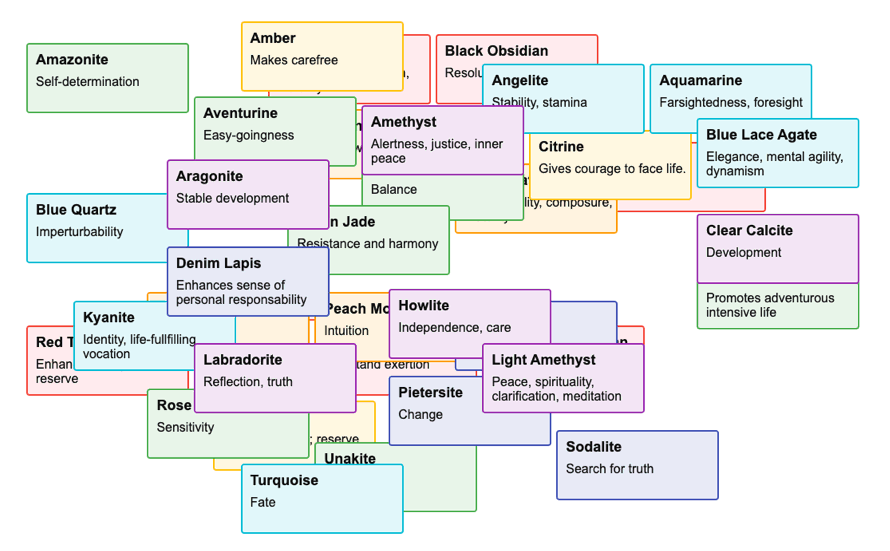


This code uses HTML (with absolute positioning) rather than SVG, and has no dependencies beside D3.js.
The table and cards layouts are configurable.
const layoutInfo = {
	table: {
		// row position & size
		top: (d, i) => 40+i*31+"px",
		left: "0px",
		height: "30px",
		width: "594px",
		// row border-radius
		radius: 0,
		// table header
		headerOpacity: 1,
		headerLeft: "0px",
		// column 1
		c1Top: "5px",
		c1Left: "8px",
		c1FontSize: "16px",
		// column 2
		c2Top: "5px",
		c2Left: "200px",
	},
	cards: {
		// card position & size
		top: (d, i) => Math.floor(i/cardsPerRow)*94+"px",
		left: (d, i) => (i%cardsPerRow)*210+"px",
		height: "84px",
		width: "200px",
		// card border-radius
		radius: "4px",
		// table header (hidden)
		headerOpacity: 0,
		headerLeft: "-650px",
		// line 1
		c1Top: "10px",
		c1Left: "10px",
		c1FontSize: "18px",
		// line 2
		c2Top: "38px",
		c2Left: "10px",
	}
};
Note: The same result can also be achieved using CSS transitions instead of D3.
My other D3 animations: meet-the-fans and d3-dual-range-slider.
(c) 2024 Olivier Giulieri