Below is a basic schema of the BSS tracker hierarchy, and an example .json schema is here.

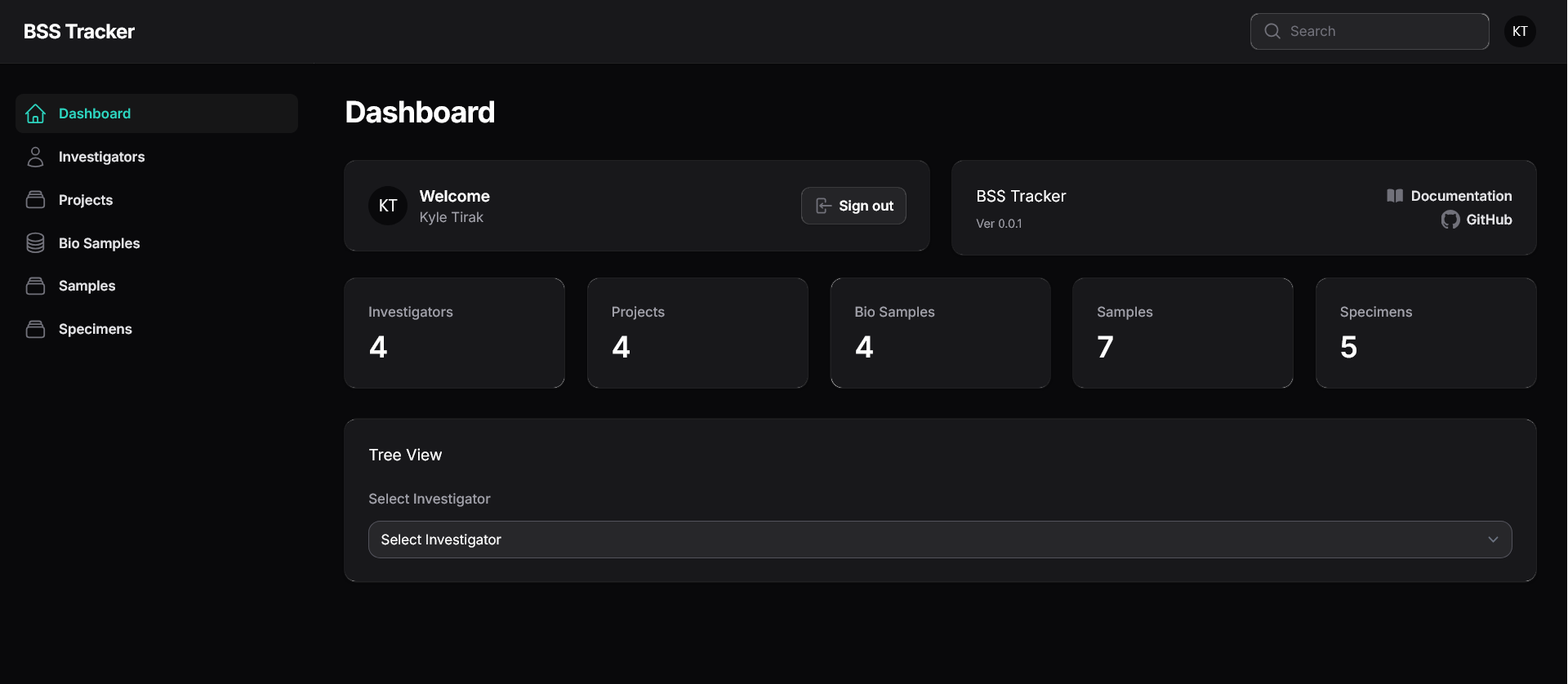
viewspecimen.mp4
newproject.mp4
editbiosample.mp4
- A web server (Apache/NGINX)
- PHP (>= 8.1)
- A database server
- MariaDB (10.10+)
- MySQL (5.7+)
- PostgreSQL (11.0+)
- SQLite (3.8.8+)
- SQL Server (2017+)
- Composer (https://getcomposer.org)
- NodeJS (NPM/Yarn for asset bundling)
BSS Tracker uses Laravel as it's PHP Framework. For further detailed instructions on setting up the system (including possible requirements not listed here) please visit the Laravel Documentation.
Once you've cloned the repository, you'll need to install composer dependencies
composer install
Then, you'll need to install & build the front-end assets
npm i && npm run build
If you plan on developing the application, you should instead run
npm i && npm run dev
Next, you'll copy the .env.example file to .env*
cp .env.example .env
* If you're planning on using Docker, instead copy the .env.docker file
cp .env.docker .env
Finally, you'll need to set the application encryption key
php artisan key:generate
As BSS Tracker is built using Laravel, deployment instructions are identical to those of Laravel. For help getting the application up & running, refer to the Laravel Deployment Documentation.
If you plan on using Docker, at this point, you can run docker-compose up -d to bring up the application.
Once Laravel is setup (including Composer dependencies), you must build the front-end assets. You can accomplish this by running the npm run build command in the root directory of the application.
Once all of the above steps have been completed, you should now be able to navigate to the application URL & follow the web-based installation instructions.