An experimental toolkit for media preservation, powered by yt-dlp.
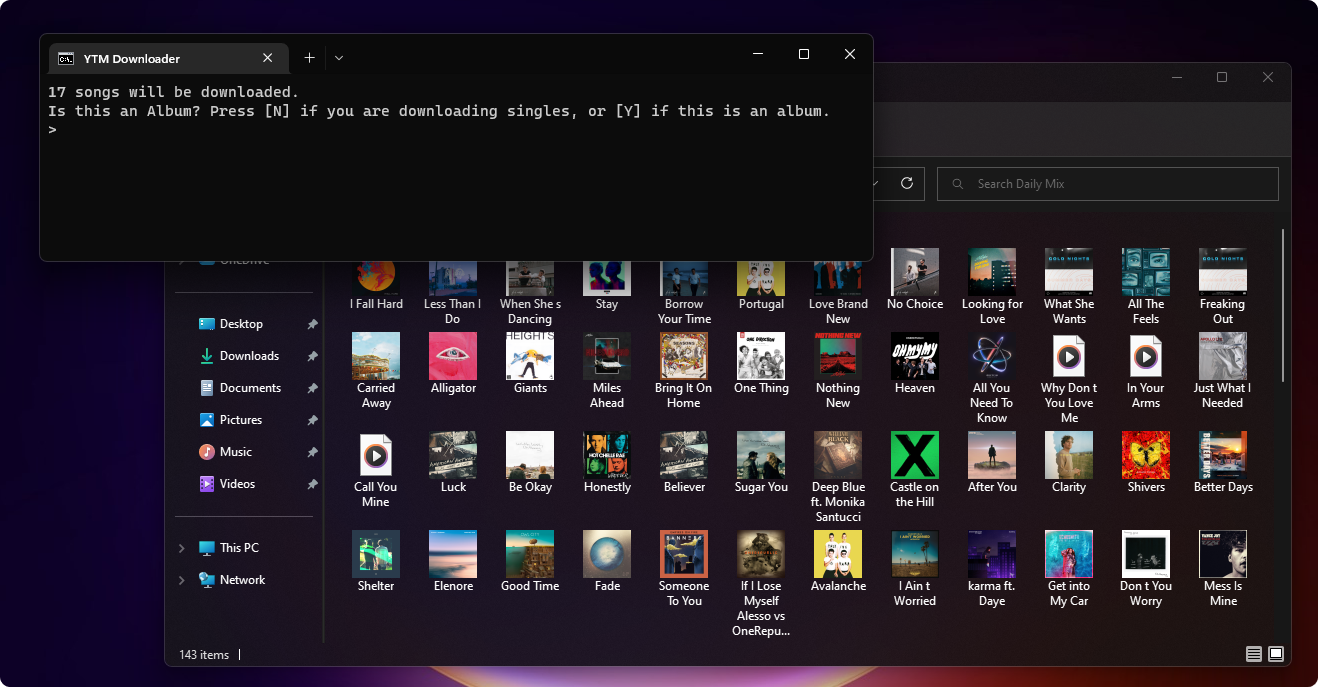
This project will allow you to use youtube-dlp to archive music from YouTube Music, and automatically add album artwork, artist name, album name, and track info to the files. They can then be added to a media player, such as iTunes or VLC, transferred to devices, or whatever you'd like. Unlike the --embed-metadata switch in youtube-dlp, this embeds the actual album cover, and not the video thumbnail. This project is still very early in development, and as such there will be issues. Some metadata pulled from YouTube is formatted in a way that confuses the downloader and will cause incorrect data to be applied. This document includes a detailed explanation of how the downloader works. If you find an issue that is reproducible under specific conditions, or have general feedback, feel free to open an issue report.
- The downloader engine will now auto-update
- Added progress counter while downloading
- Added queue counter on Add Music script
- When downloading albums, the folder will inherit the album title
- Added parsing support for Beatbump.io
- Failed downloads will be automatically retried
- Clarified languages in some locations
- Added experimental video support via standalone script only. Videos do not have the proper information to be automatically tagged for use in media organizers.
- Discontinued use of executables for packaging format
This project is written in batch, and requires additional programs that I do not own the license to in order to function correctly. Below are links to those programs, as well as where they need to be placed to be read by the downloader.
- If you haven't already, download the latest version of this project.
- Download yt-dlp. Once downloaded, save the file into Redistributables\YouTube-DL.
- Download FFMPEG. Once downloaded, save the file into Redistributables\FFMPEG.
- Download and install Album Art Downloader.
- You should be all set. The program will notify you if there are any missing components. Refer to the included Help file for more information.
(This information may be helpful when debugging the script. There are also detailed comments in [Project Folder]\Redistributables\Downloader.cmd.)
- To my knowledge, it is not currently possible to pull track numbers when the songs are called individually, which is how this script works. As such, unless the provided URL is specified as an album when being added, all songs will have track numbers of 1/1. Even if the tracks were called in playlist mode, the numbers would be set to its playlist indice, which isn't correct either. If the user specifies that the URL is an album, the script will count up from 1 until it reaches the end. For this reason, it's best to only download one album at a time. For entire playlists of singles, this isn't important. Genre information will also be left blank for the time being.
- Artist information from YouTube is formatted as
[Artist1 & Artist2 & Artist 3]. When searching for album artwork, the script will use the first artist. It will also re-format the artist data as[Artist1, Artist2 & Artist3], where the last item in the data set will have an & symbol. If there are only 2 artists, the & symbol will be kept. This follows Apple's formatting standard. - When tracks are initially downloaded, all spaces are replaced with underscores, and any non-ASCII characters are stripped out to comply with the limitations of the Windows filesystem. These are later replaced with spaces. The format for the cached download filename is
Track;Artist;Album;. When all formatting is complete, the filename is changed to the track name, and the rest of the metadata gets embedded as ID3 tags. - If 2 of the same songs are found, the conflicting one is moved into a subfolder with the Artist name.