AutoMouse is a Windows background utility that helps reduce the strain of repetitive mouse clicking by letting you click (and perform common mouse actions) using your keyboard, or by automatically clicking when the mouse stops moving.
This repository contains the source code for the AutoMouse Windows application.
For many people, repeated mouse-button clicking can contribute to discomfort or repetitive strain issues. AutoMouse aims to reduce click-heavy usage by shifting some of that workload to the keyboard and by providing dwell/auto-click style interaction.
Based on the product description on https://sphere10.com/products/automouse (paraphrased):
- Keyboard-driven clicking: map a keyboard key to act as a mouse click without permanently “stealing” that key for normal typing.
- Automatic clicking (dwell click): optionally click when the mouse cursor stops moving.
- Common mouse gestures without buttons: supports actions such as click, double-click, drag-and-drop, and stroke-like interactions.
- Keyboard cursor movement: move the mouse cursor with arrow keys while preserving normal arrow-key behavior when you’re typing.
- Left/right button swap: useful for left-handed setups or to reduce strain on a particular finger.
- Visual/audio feedback: optional on-screen rings and click sounds to confirm when AutoMouse performs an action.
- Startup and configuration: can be configured extensively (keys, timings, distances) and can start automatically with Windows.
- Microsoft Store: https://apps.microsoft.com/store/detail/auto-mouse-rsi/9PD57FSWQD6P
The following images are linked from the official product page (Sphere10):
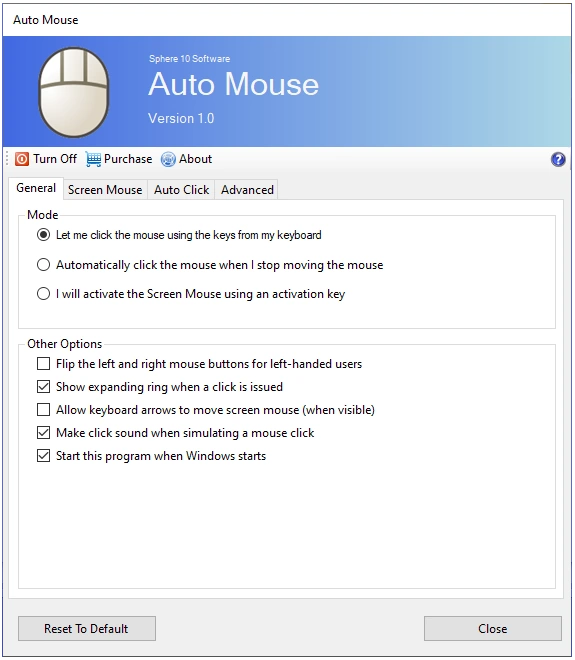
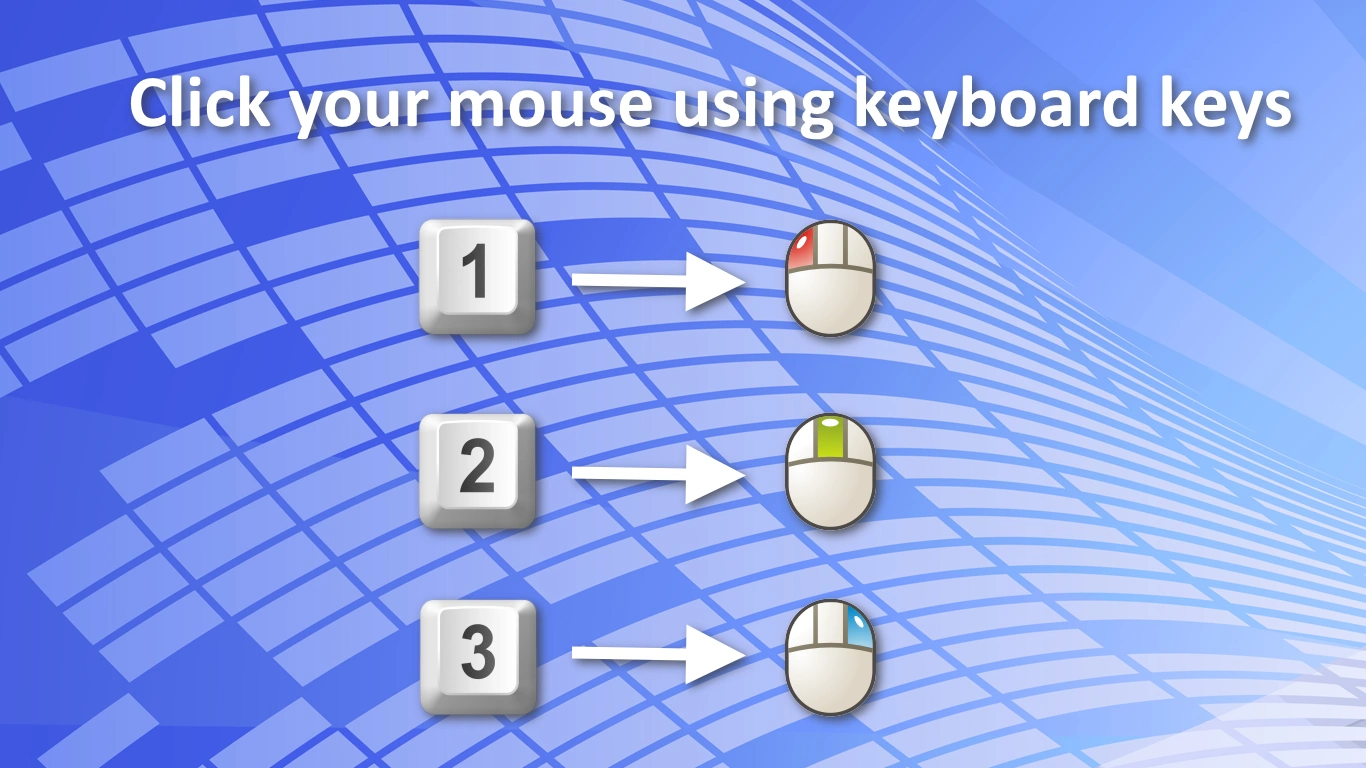
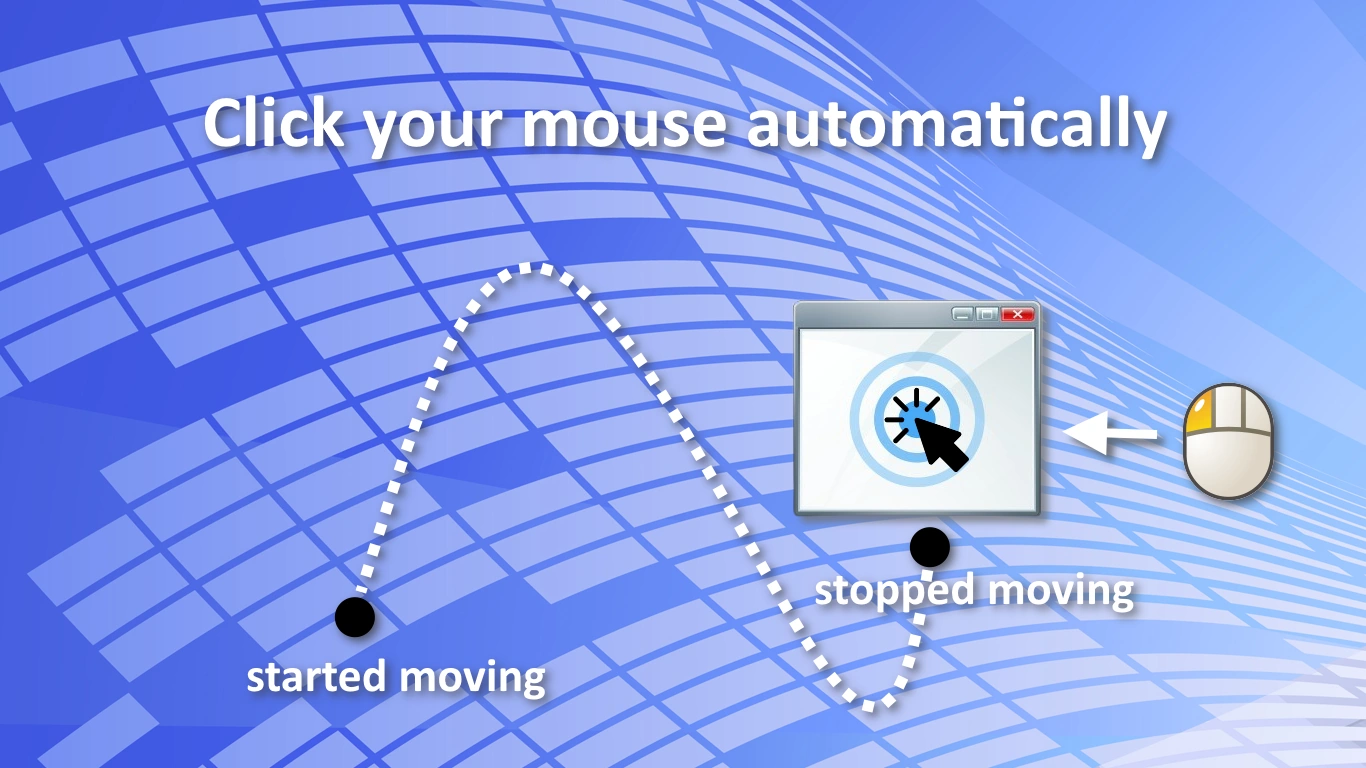
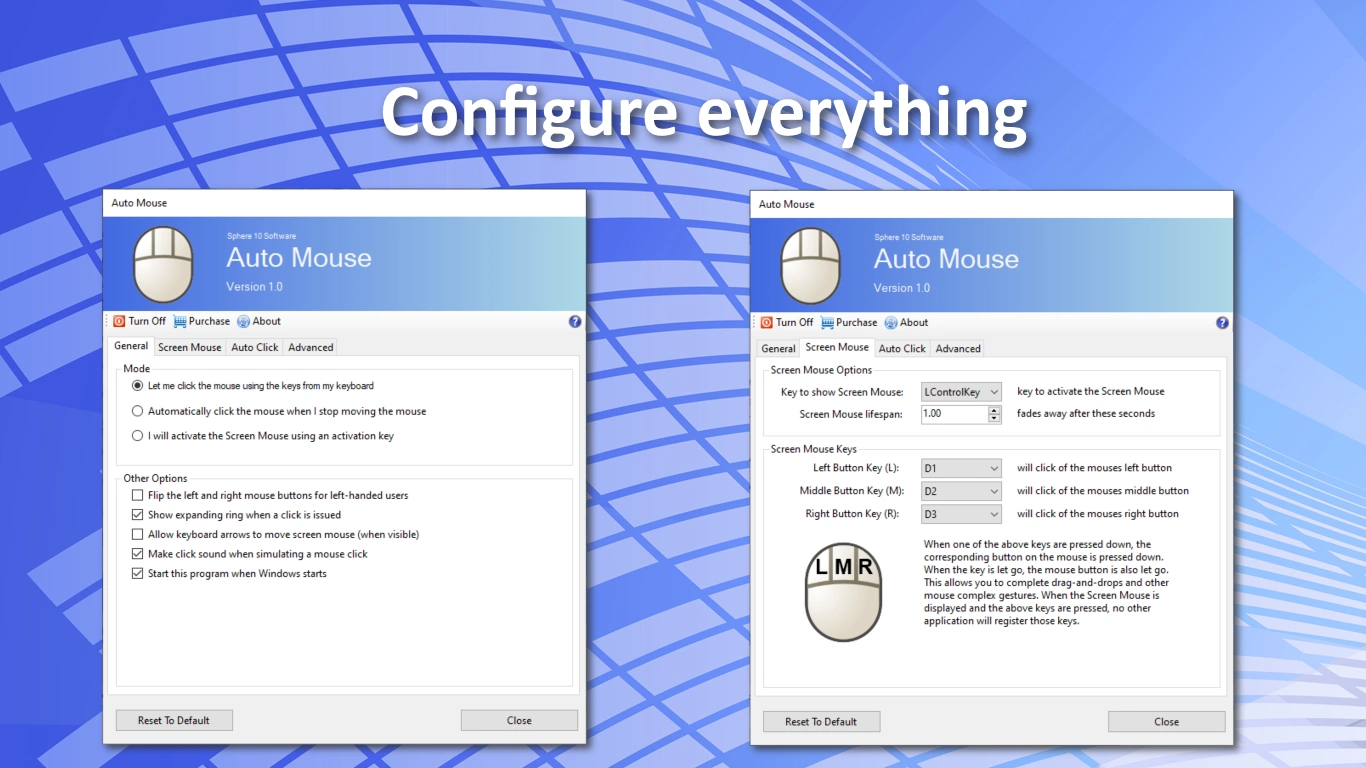
Sphere10 provides additional end-user docs and ergonomics resources:
- Getting Started: https://sphere10.com/products/automouse/getting-started
- Product Manual: https://sphere10.com/products/automouse/product-manual
- RSI and ergonomics resources: https://sphere10.com/articles/what-is/rsi/repetitive-strain-injury
- Windows
- .NET SDK 8.0+ (the app targets
net8.0-windows) - Visual Studio 2022 (optional, but convenient for WinForms)
From the repository root:
# Debug build

dotnet build "AutoMouse WIN.sln" -c Debug

# Release build

dotnet build "AutoMouse WIN.sln" -c ReleaseYou can run the WinForms app project directly:
dotnet run --project "AutoMouse.Windows/AutoMouse.Windows.csproj" -c DebugThere are publish scripts in the repo root:
Publish-All.ps1Publish-Portable.ps1Publish-win-x64.ps1
(These scripts are tailored to the project’s packaging workflow.)
AutoMouse.Windows/— WinForms applicationResources/— shared resources (icons, sounds, help/manual assets)
This project is licensed under the GNU GPL v3.0 (or later).
- See
LICENSE - Copyright details:
COPYRIGHT
AutoMouse is an ergonomics/utility tool. It is not medical advice and is not a substitute for professional assessment or treatment.