A simplistic clean and minimal theme for rEFInd using the Nord color palette
press F10 to take screenshot
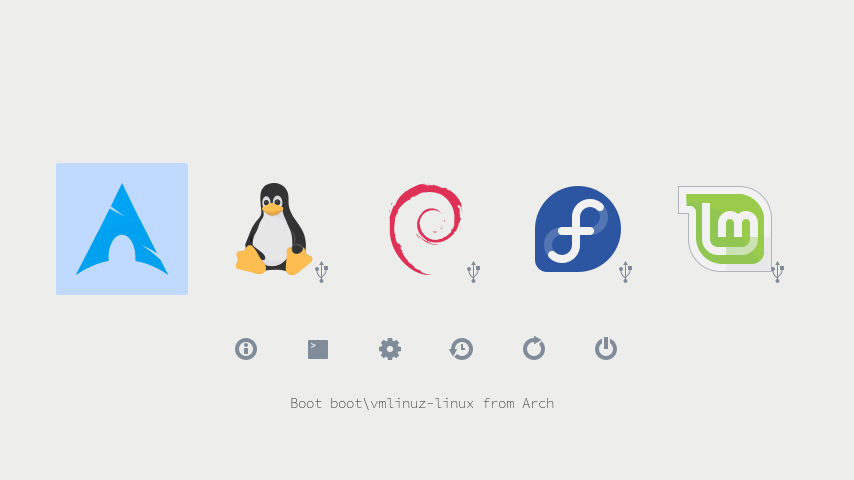
(default settings)
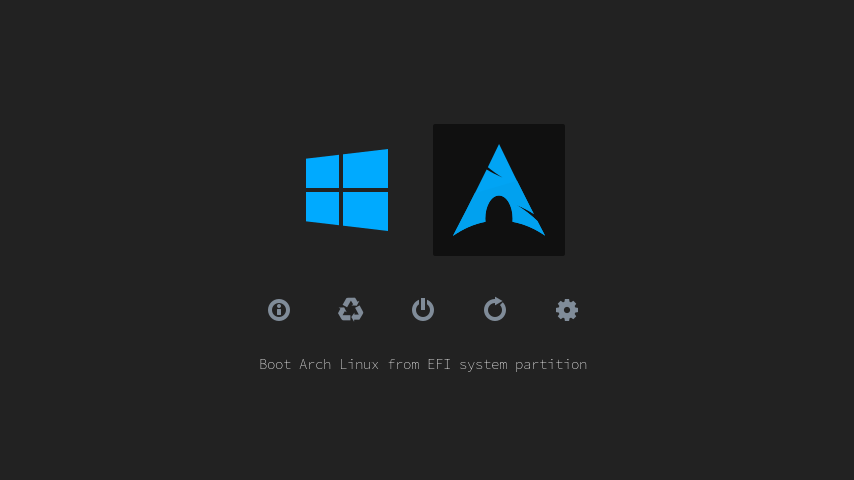
(dark theme selected)
- Just paste this command in your terminal and enter your choices.
sudo sh -c "$(curl -fsSL https://raw.githubusercontent.com/Angalexik/refind-theme-regular/master/install.sh)" - To further adjust icon size, font size, background color and selector color edit
/boot/efi/EFI/refind/refind-theme-regular/theme.confas root/SuperUser.
-
Clone git repository to your $HOME directory.
git clone https://github.com/Angalexik/refind-theme-regular.git -
Remove unused directories and files.
sudo rm -rf refind-theme-regular/{src,.git}sudo rm refind-theme-regular/install.sh -
Locate refind directory under EFI partition. For most Linux based system is commonly
/boot/efi/EFI/refind/. Copy theme directory to it.Important: Delete older installed versions of this theme before you proceed any further.
sudo rm -rf /boot/efi/EFI/refind/{regular-theme,refind-theme-regular}sudo cp -r refind-theme-regular /boot/efi/EFI/refind/ -
To adjust icon size, font size, background color and selector color edit
theme.conf.sudo vi /boot/efi/EFI/refind/refind-theme-regular/theme.conf -
To enable the theme add
include refind-theme-regular/theme.confat the end ofrefind.conf, and comment out or delete any other themes you might have installed.sudo vi /boot/efi/EFI/refind/refind.conf
NOTE: If your not geting your full resolution or have color issues then try disabling the CSM in your UEFI settings.
More information
rEFInd The official rEFInd website