


A web manager for PC, nothing fancy now Not working all properly.
If you want to try the site, you need to disable the HTTPS protection to allow HTTP calls.
! Don't use big images for icons. Now it's stores all the data with
! LocalStorage and is not supporting long strings.- Open the website https://andro-marian.github.io/WLED-Manager/
- Click on the Lock icon on the Address bar
- Click on Connection secure
- CLick on Disable protection for now
Or download the files on the PC and open the index.html
If you want to make like an app:
- Open the website https://andro-marian.github.io/WLED-Manager/
- Click on the 3 dots menu
- Click on Add to Home screen
- Open about:config and type "mixed"
- The security.mixed_content.block_active_content set to false
If you want to open the webiste normal in browser from the shortcut set the step (5.) before (3.)
| PC | Android |
|---|---|
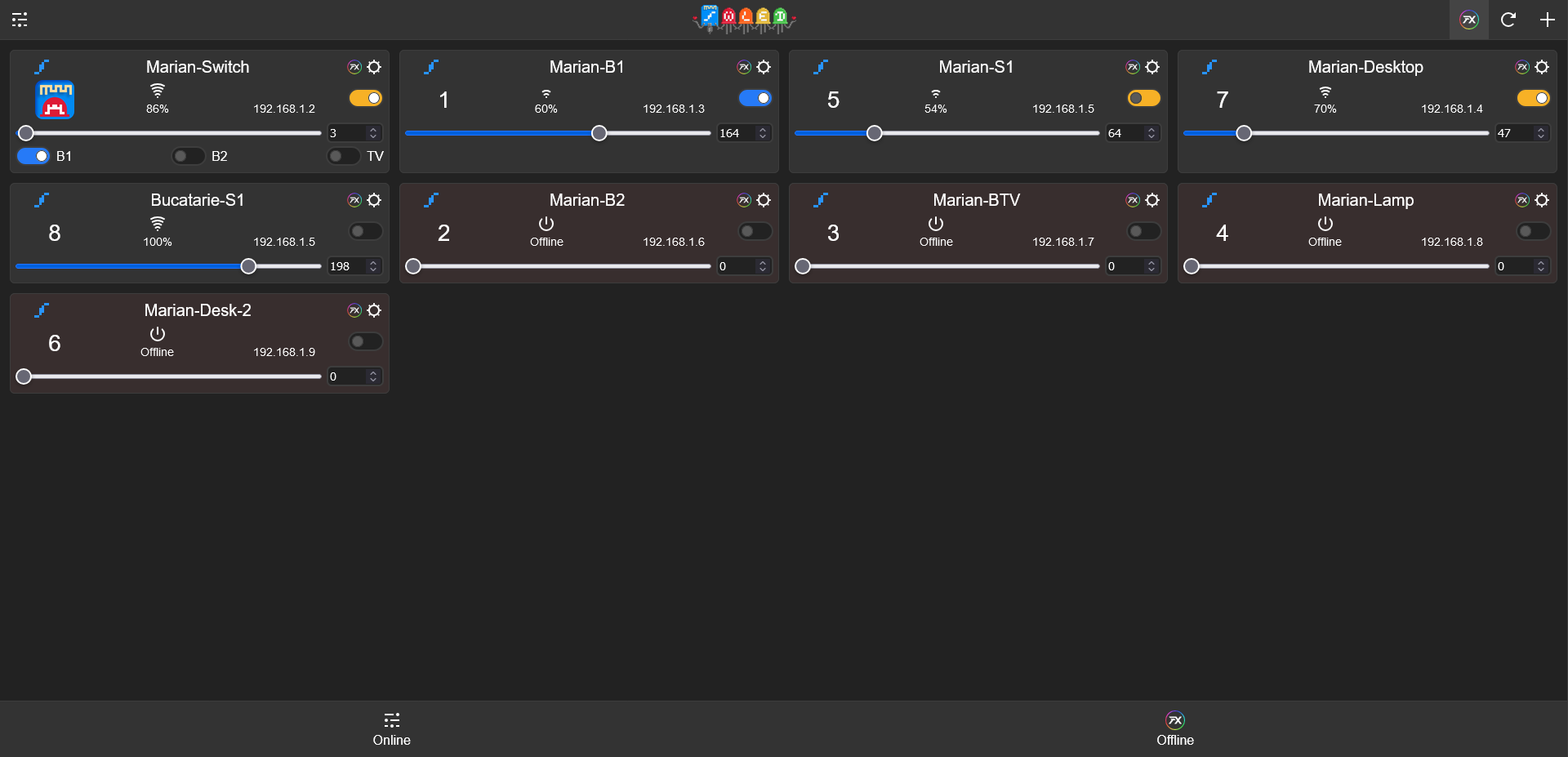 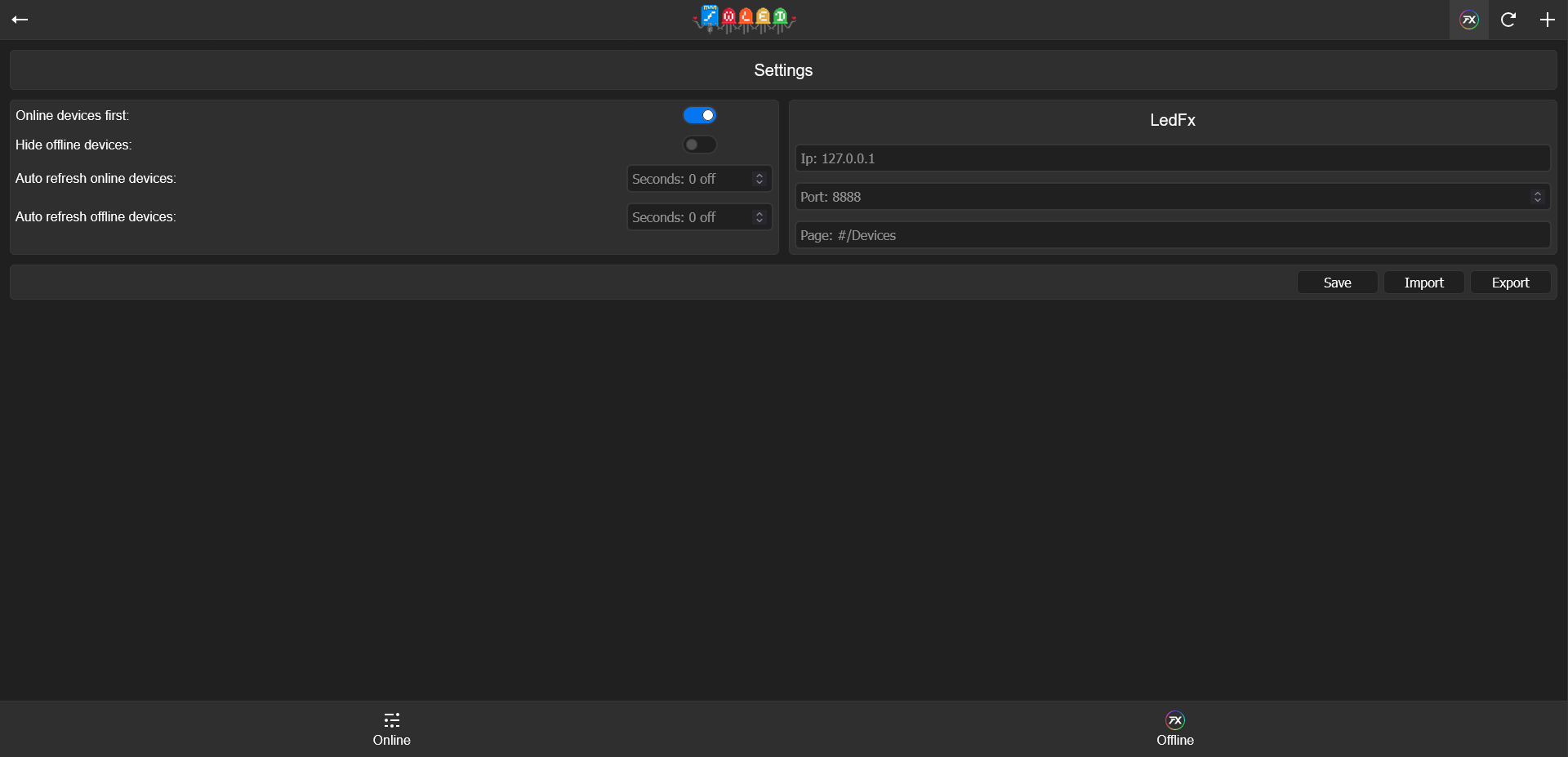 |
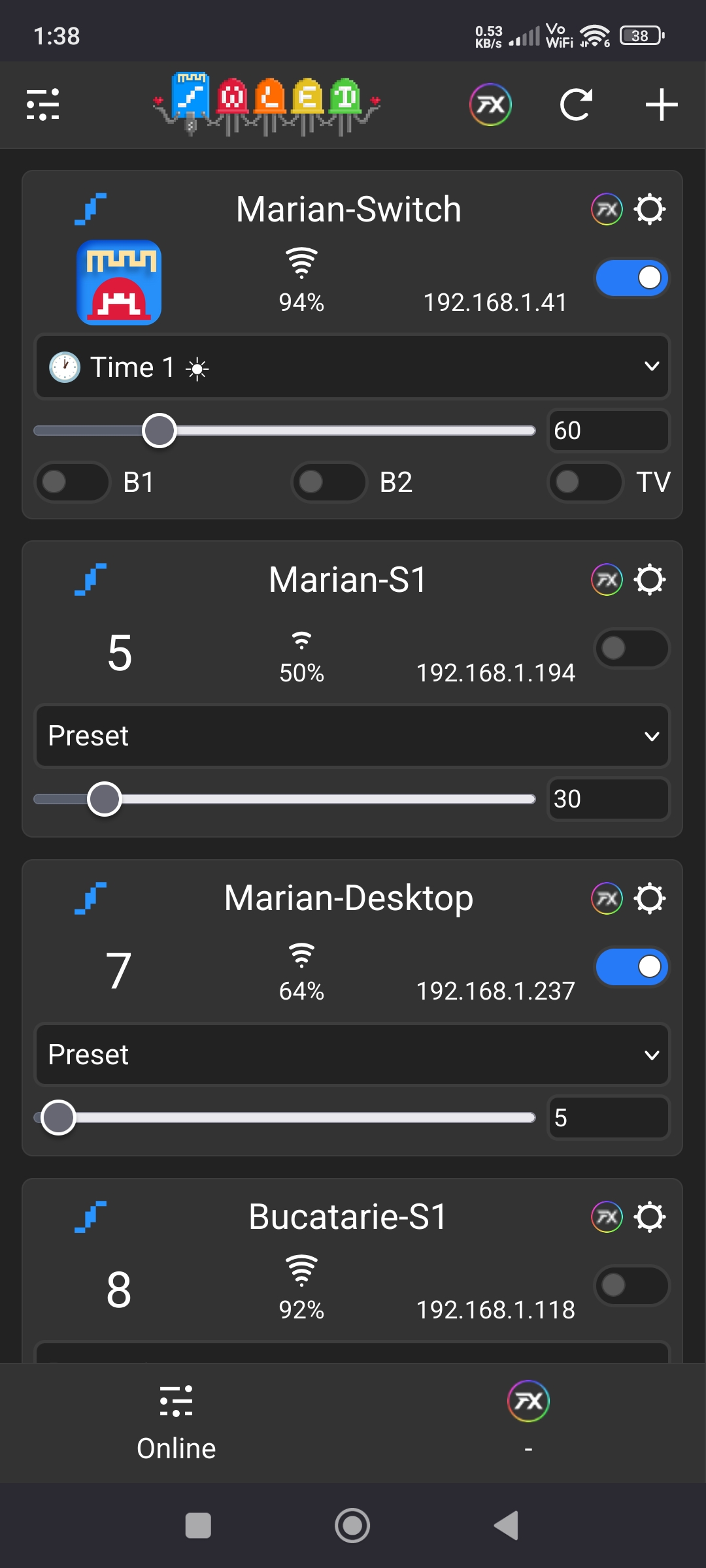 |