红岩网校暑假考核APP
-
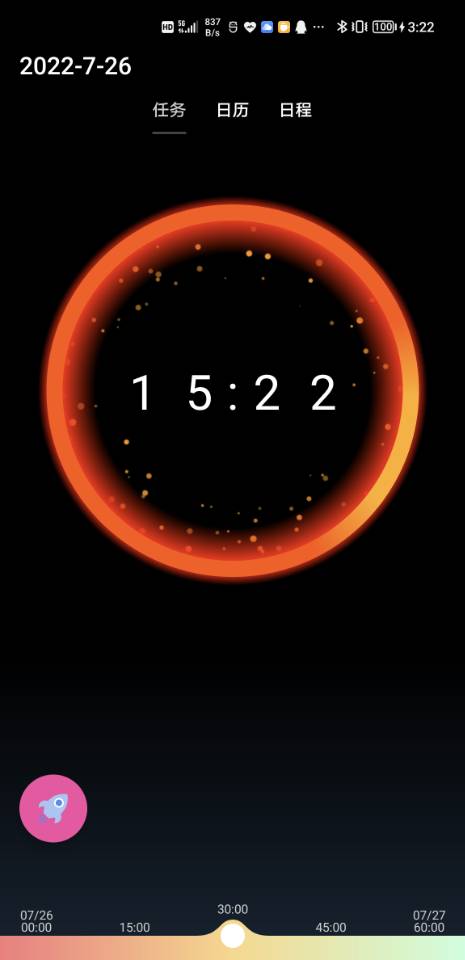
任务
-
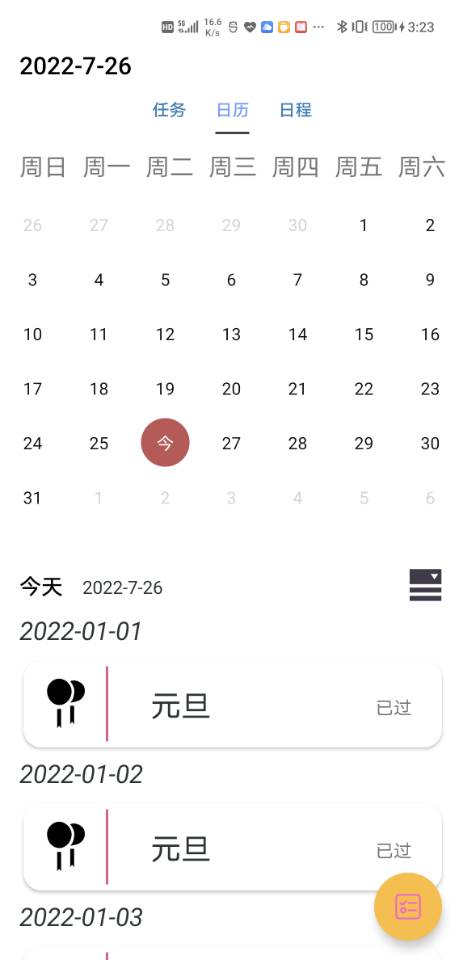
日历
-
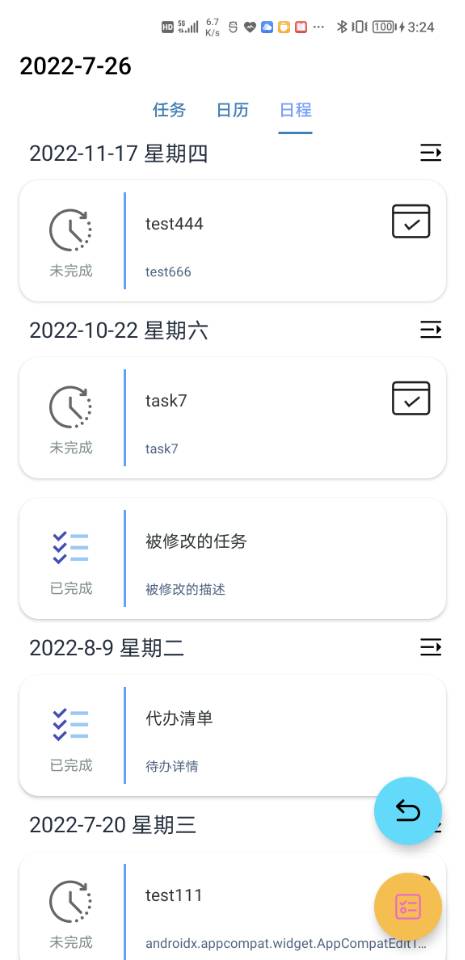
日程
-
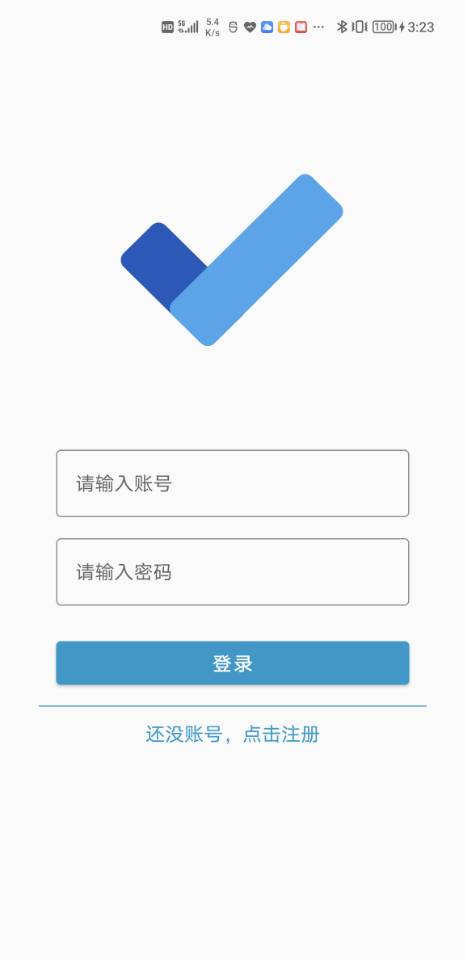
登录
-
任务


-
日历


-
日程


在ViewModel层从Respository层中获取数据,Respository层中从数据库或网络请求拉去数据,项目对BaseRespositroy层进行网络请求的封装,返回得到的数据结果,在数据请求后针对返回的数据或异常情况调用不同函数进行处理。
    suspend fun <T> executeTaskHttp(block : suspend()-> ApiResponse<T>): ApiResponse<T> {
        kotlin.runCatching {
            block.invoke()
        }.onSuccess {   data: ApiResponse<T> ->
            return handleTaskHttpOk(data)
        }.onFailure {
            return handleTaskHttpError(it)
        }
        return ApiEmptyResponse()
}最后会返回ApiEmptyResponse、ApiSuccessResponse、ApiFailedResponse、ApiErrorResponse四种类型数据。
ViewModel层仿照官方的LiveData,封装了StateLiveData与StateMutableLiveData用来保存不同的数据类型,返回给UI层进行监听。
open class StateTaskLiveData<T> : LiveData<ApiResponse<T>>() {

    fun observeState(owner: LifecycleOwner, listenerBuilder: ListenerBuilder.() -> Unit) {
        val listener = ListenerBuilder().also(listenerBuilder)
        val value = object : IStateTaskObserver<T>() {

            override fun onSuccess(data: T) {
                listener.mSuccessListenerAction?.invoke(data)
            }

            override fun onError(e: Throwable) {
                listener.mErrorListenerAction?.invoke(e) ?: toast("Http Error")
            }

            override fun onDataEmpty() {
                listener.mEmptyListenerAction?.invoke()
            }

            override fun onComplete() {
                listener.mCompleteListenerAction?.invoke()
            }

            override fun onFailed(errorCode: Int?, errorMsg: String?) {
                listener.mFailedListenerAction?.invoke(errorCode, errorMsg)
            }

        }
        super.observe(owner, value)
    }

    inner class ListenerBuilder {
        internal var mSuccessListenerAction: ((T) -> Unit)? = null
        internal var mErrorListenerAction: ((Throwable) -> Unit)? = null
        internal var mEmptyListenerAction: (() -> Unit)? = null
        internal var mFailedListenerAction: ((Int?, String?) -> Unit)? = null
        internal var mCompleteListenerAction: (() -> Unit)? = null

        fun onSuccess(action: (T) -> Unit) {
            mSuccessListenerAction = action
        }

        fun onFailed(action: (errCode : Int?, errMsg : String?) -> Unit) {
            mFailedListenerAction = action
        }

        fun onException(action: (Throwable) -> Unit) {
            mErrorListenerAction = action
        }

        fun onEmpty(action: () -> Unit) {
            mEmptyListenerAction = action
        }

        fun onComplete(action: () -> Unit) {
            mCompleteListenerAction = action
        }
    }

}
最后在数据更改时通知观察者更改数据。
override fun onChanged(apiResponse: ApiResponse<T>?) {
    when (apiResponse) {
        is ApiSuccessResponse -> onSuccess(apiResponse.response)
        is ApiEmptyResponse -> onDataEmpty()
        is ApiFailedResponse -> onFailed(apiResponse.errorCode, apiResponse.errorMsg)
        is ApiErrorResponse -> onError(apiResponse.throwable)
    }
    onComplete()
}日历控件整个界面都是MonthView这个ViewGroup内部创建ViewPager2加载CalendarView这个自定义View,日历的拉伸收缩功能交给CalendarMover这个类,日历的绘画功能交给CalendarDrawer这个类,在CalendarDrawer内部将具体的每一天的绘画提供IDayDrawer接口,让DayView进行绘画流程,具体的绘画内容交给CustomDayView去实现。
一个随手指移动的控件,自定义Viewgroup,重写dispatchDraw方法(在Viewgroup中onDraw方法不一定被调用),控制Camera的移动,被包含的控件就可以达到随手指移动的效果。
在任务界面下方的时间选择进度条,随手指移动确定下方球的圆心,然后在球旁边绘制三阶贝塞尔曲线,其它地方绘制直线,填充背景。在得到球的位置之后,也同样绘制出上方TextView。
一个Dialog中包含两套布局,一套隐藏,另一个显示出来,在动画进行一般时回调显示另一套布局并显示,反转效果同样是调用Camera中的方法来实现(无法将整个卡片布局都反转,因为window好像没有View中拥有的startAnimation方法)
外部主要是渐变圆效果,内部粒子内参数保存进AnimPoint对象,其中调用随机函数进行计算粒子的一个移动,超出限制就调用初始化方法恢复状态。
每一个数字都是一个单独的控件NumberView,调用translationY方法来完成上下移动,AnimNumberView将他们封装成数字,达到整体效果。
自定义ViewGroup继承NestedScrollingParent3,覆写onNestedPreScroll方法,由于方法内部提供dy是相对滑动位置,而我们需要绝对滑动位置,就需要在Viewgourp中记录其手势点来存储绝对滑动位置。
项目本身没有复杂的滑动冲突,存在的滑动冲突只需要解决VP2拦截了子View的滑动事件,大多数时候重新Viewgroup中dispatchTouchEvent方法,调用requestDisallowInterceptTouchEvent并设置为true即可解决。
日历控件状态保存与滑动有BUG,这个BUG在结合嵌套滑动的情况下尤其容易复现。主要原因可能是在编写CalendarMover时,主要是要scroll来完成视图布局的切换,一些判断条件在手势滑动时(特别是快速滑动情况下),容易造成多次调用不同函数,导致上拉与下拉重叠,进而导致视图错乱。